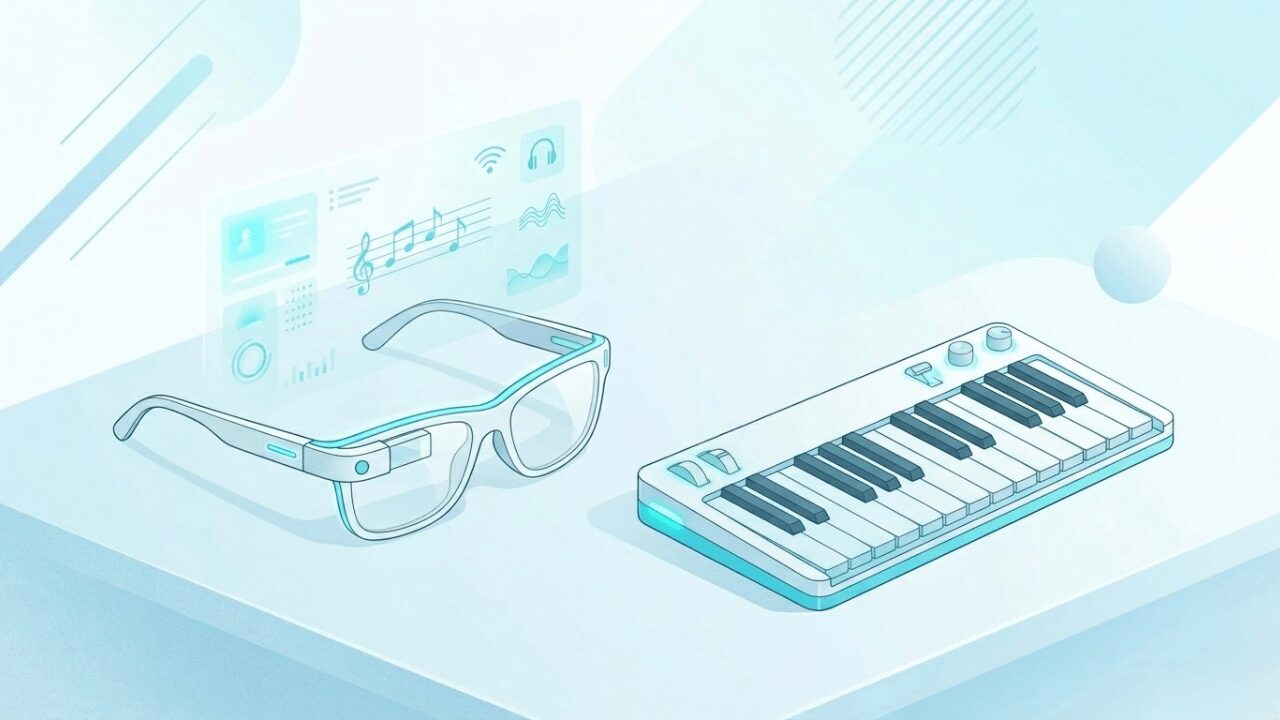
Can You Practice Anywhere with XR Glasses and a Foldable Piano? Portable XR Piano Tips and a Glimpse of the Near Future
Tomo
XR Piano

“I want to choose smart glasses for XR piano, but what criteria should I use?”
In this article, we’ll explain how to choose smart glasses or a headset specifically for XR piano use, and which device is currently the most recommended.
It’s tempting to choose smart glasses or a headset based on performance or design, but for XR piano use, “whether a compatible app exists” is the single most important criterion. No matter how high-performing a device is, it can’t be used as an XR piano if Sigure doesn’t support it.
Currently, the Meta Quest 3 / 3s is the only device Sigure supports. If you want to start XR piano right now, the Meta Quest 3 / 3s is the clear choice.
Sigure compatibility
Currently, the Meta Quest 3 / 3s is the only device Sigure supports. Support for other devices is being considered as a future development goal.
Full-color passthrough
This is essential for clearly seeing your real keyboard and hands while overlaying the note guide on top. Monochrome or low-resolution passthrough gets in the way of playing.
Spatial recognition accuracy
This is needed to accurately detect the keyboard’s position and overlay the note guide without misalignment. Low accuracy causes the guide and keyboard to appear misaligned.
Fit and weight
Piano practice sessions can sometimes run long. A heavy device puts more strain on your neck and face, so comfort and fit are also an important selection criterion.
The Meta Quest 3 / 3s is currently the only device that meets all four of the criteria above.
This device performs well on specs, but Sigure doesn’t currently support it.
You can experience XR through other piano apps instead.
Sigure doesn’t currently support this device. There are also no other XR piano apps available for it, so we can’t recommend it if you specifically want to enjoy piano.
Being lightweight and easy to carry is appealing, but their low spatial recognition accuracy makes it difficult to accurately overlay a note guide onto the keyboard at this time. Sigure also doesn’t support them.
Sigure currently only supports the Meta Quest 3/3s, but we’d like to expand support to other XR devices in the future.
A. Both are compatible with Sigure. If you want to keep costs down, the Quest 3s is recommended; if you care more about passthrough image quality and processing power, the Quest 3 is recommended. The basic XR piano functionality works fine on either one.
A. The Meta Quest 3 / 3s can be used while wearing glasses if you attach a glasses spacer.
A. We’re considering support once XR glasses’ spatial recognition accuracy improves. We continue developing with a future where you can enjoy XR piano on lightweight XR glasses in mind.
If you want to start XR piano, pairing the Meta Quest 3 / 3s with Sigure is currently the best option.
Choosing a device can be a confusing decision, but when it comes to XR piano, it’s simple.
If you want to start right now: the Meta Quest 3 / 3s. That’s it. “Does it actually work” matters far more than specs.