What Is an XR Piano Performance Assist App? A Complete Breakdown of "Sigure," Compatible with the Meta Quest 3
Tomo
XR Piano

For those struggling with “turning sheet music pages is hard while playing” or “my playing gets thrown off right when I need to turn the page.”
In this article, we’ll explain how XR piano eliminates the need to turn sheet music pages, and the benefits that come with it.
When playing piano with sheet music, you have to turn the page partway through a song. This moment is a common source of interruption in your playing.
All of these problems disappear with XR piano.
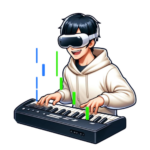
In Sigure, a note guide flows in real time within your field of view on the Meta Quest 3 / 3s, taking the place of sheet music. Since the song is displayed continuously from start to finish, the very concept of “turning a page” doesn’t exist.
No matter how long or difficult a song is, the notes keep flowing automatically. The performer can focus entirely on pressing the keys.
Beyond the notes, it’s also possible to project the sheet music itself.
Since the act of turning a page disappears entirely, you can keep playing a song from start to finish without stopping. It becomes easier to maintain focus throughout your performance.
You no longer need to lift one hand off the keys to turn a page. This benefit is especially significant when a page turn would otherwise happen right before a difficult phrase.
Even with songs that span many pages or long pieces like suites, you can focus on practicing without ever worrying about turning pages.
Since sheet music itself becomes unnecessary, you no longer need items like a music stand, sheet music, or music clips either. Your practice space stays uncluttered.
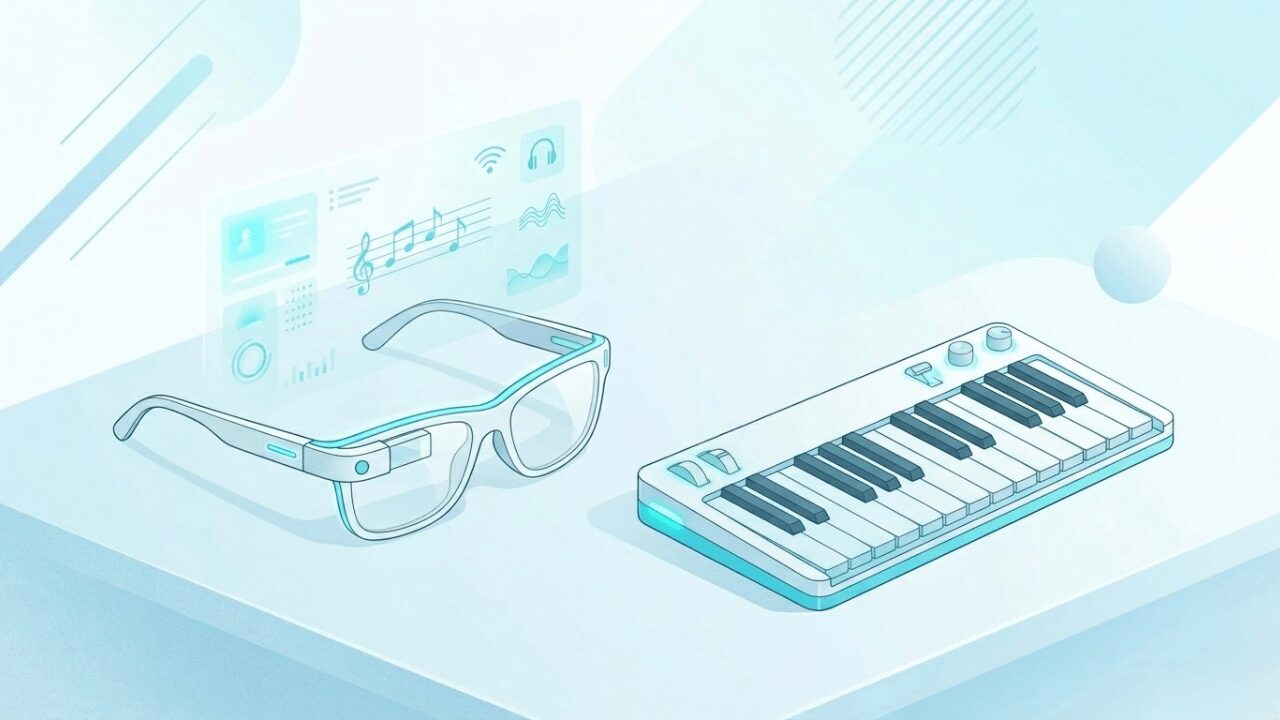
Sigure includes not just the note guide, but also a scrolling sheet music display feature built on MR (Mixed Reality) technology.
When you turn sheet music display on, the sheet music scrolls in real time alongside the notes. Since this display can be toggled on or off, you can switch to showing only the notes once you’ve gotten used to playing.
If you can read sheet music, you can turn the display on and check both the notation and the notes at the same time while practicing. If you can’t read sheet music, practicing with just the note display works perfectly well too.
Even with no more pages to turn, some people might still worry, “what if I get stuck not knowing the next note?” Sigure has a “Stay Notes function” for exactly this concern.
When you turn on the Stay Notes function, the notes pause and wait until you play the correct pitch. Regardless of tempo, you can move forward at your own pace while checking each note one at a time. It can also be used together with the auto-accompaniment function, so you can turn on Stay Notes while the app plays the left-hand accompaniment, letting you focus entirely on practicing the right hand.
A. Yes. If you can read sheet music, you can turn on the sheet music display and check both the notation and the notes at the same time. Since you no longer need to turn pages or look toward sheet music, your focus on playing increases.
A. Yes. Regardless of the song’s length, the notes flow continuously from start to finish. There’s no page turning involved whatsoever.
A. Yes. You can turn on the Stay Notes function and use auto-accompaniment simultaneously. This lets you check each note at your own pace while letting the app handle the left-hand accompaniment, allowing you to practice the right hand.
A. Yes. Sheet music display can be toggled on or off. If you can’t read sheet music, practicing with just the note display works perfectly well too.
Try an XR piano experience that eliminates the need to turn pages.
Turning a page might seem like a small thing, but it’s a real source of stress for the performer.
Mistime it, and your playing falls apart; let the sheet music fall over, and your practice gets interrupted. By removing this kind of “stress unrelated to actual playing,” XR piano creates an environment where you can focus purely on practice itself.
We hope you’ll try piano practice with no page turning, even just once.